 NOXWOX
Sellسیل
Product search, barcodes and checkout.پروڈکٹ سرچ، بارکوڈ اور چیک آؤٹ۔
Dedicated Retail POS software, connected teams and clear daily workflows.آپ کے کاروبار کے لیے الگ POS سافٹ ویئر اور منسلک ٹیم۔
Product search, barcodes and checkout.پروڈکٹ سرچ، بارکوڈ اور چیک آؤٹ۔
Products, stock, customers and suppliers.مصنوعات، اسٹاک، کسٹمرز اور سپلائرز۔
Mobile scanning and connected tills.موبائل اسکیننگ اور منسلک ٹِل۔
Cash sessions, reports and profit.کیش سیشن، رپورٹس اور منافع۔
Retail · v1.0.1
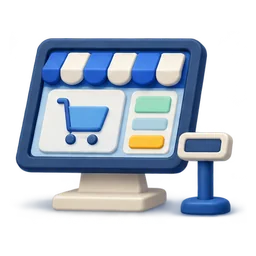
Use focused fullscreen, a calculator and keyboard cart navigation on PC. Filter products by category and brand on mobile and browser.پی سی پر فل اسکرین، کیلکولیٹر اور کی بورڈ سے کارٹ چلائیں۔ موبائل اور براؤزر پر کیٹیگری اور برانڈ سے مصنوعات تلاش کریں۔
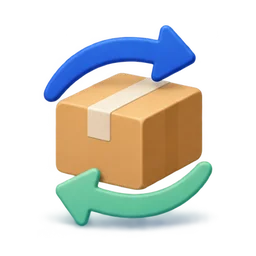
Find original receipts and linked refund references, reprint refund documents, and select exchange products by search or scan.اصل رسید اور ریفنڈ ریفرنس تلاش کریں، ریفنڈ دوبارہ پرنٹ کریں اور متبادل آئٹم تلاش یا اسکین کریں۔
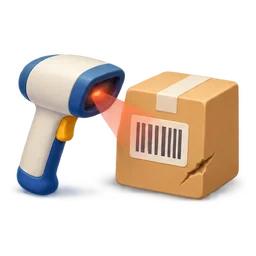
Log waste, damage, expiry, theft, loss or other reasons. The paired scanner targets the active workflow, including supplier purchases and stock loss.ضائع، خراب، ایکسپائر، چوری، گم یا دیگر نقصان درج کریں۔ منسلک اسکینر خریداری اور اسٹاک نقصان سمیت کھلے کام کے مطابق چلتا ہے۔

Prepare invoices for WhatsApp, email or SMS in a supported app. Review invoice payment allocations and preview End of Day in A4, 80 mm or 58 mm.واٹس ایپ، ای میل یا ایس ایم ایس کے لیے رسید تیار کریں۔ انوائس ادائیگیاں اور اے فور، ۸۰ یا ۵۸ ملی میٹر کی اینڈ آف ڈے رپورٹ دیکھیں۔
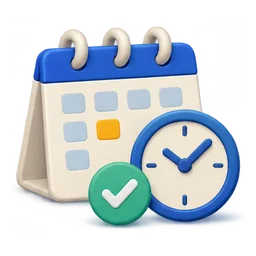
Staff sign in for face verification, personal attendance history, roster and leave requests. Authorized managers can review requests on Main PC.عملہ لاگ اِن کر کے چہرے سے حاضری، اپنا ریکارڈ، روسٹر اور چھٹی کی درخواست دیکھتا ہے۔ مجاز مینیجر پی سی پر درخواست دیکھ سکتا ہے۔
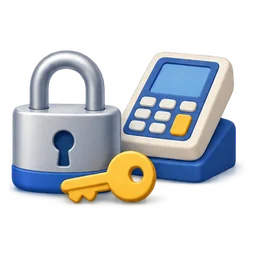
Restrict actions such as price and discount changes with role permissions and Admin Override PIN.قیمت اور رعایت کی تبدیلی جیسے کام کردار کی اجازت اور ایڈمن اوور رائیڈ پن سے محدود کریں۔
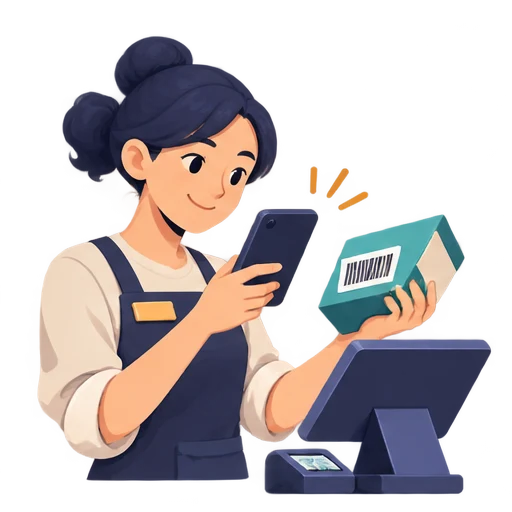
Pair an Android phone with Main PC or a browser till. Scan product barcodes and send items to the paired cart.اینڈرائیڈ فون کو مین پی سی یا براؤزر ٹِل سے جوڑیں۔ مصنوعات کے بارکوڈ اسکین کریں اور آئٹمز اسی منسلک کارٹ میں بھیجیں۔
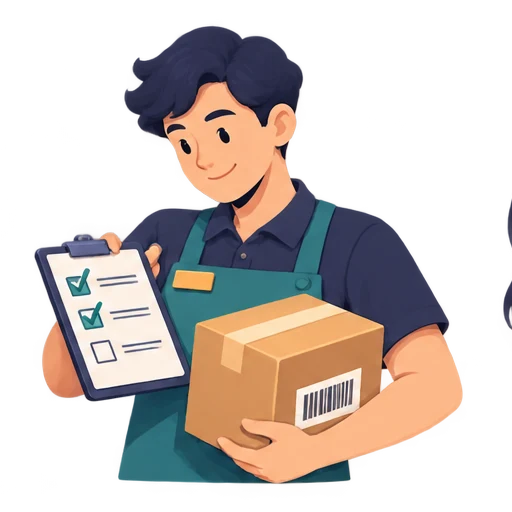
Open an invoice and scan items as you pack. Staff can see what has been verified and which quantities are still due.انوائس کھولیں اور پیکنگ کے دوران آئٹمز اسکین کریں۔ عملہ تصدیق شدہ اور باقی مقدار دیکھ سکتا ہے۔
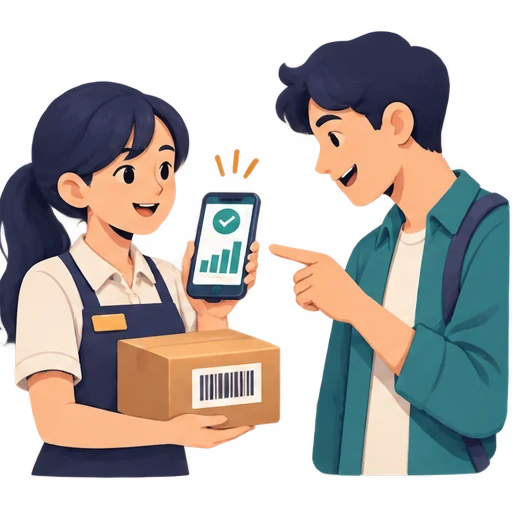
Staff can scan a barcode with the Android Price & Stock Checker and tell customers the price and available quantity on the spot.عملہ اینڈرائیڈ پر بارکوڈ اسکین کر کے قیمت اور دستیاب مقدار دیکھ سکتا ہے اور موقع پر کسٹمر کی رہنمائی کر سکتا ہے۔
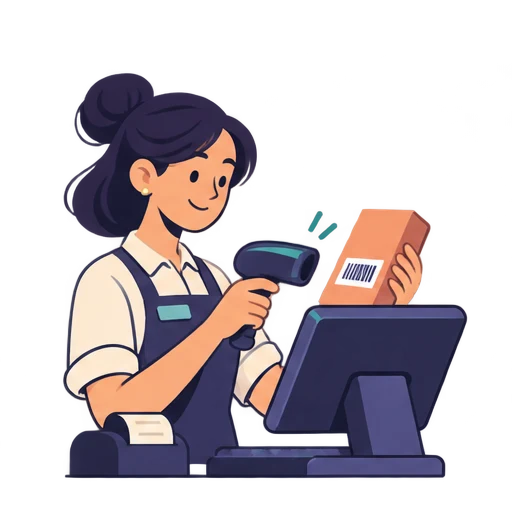
Scan products, hold sales and handle returns or exchanges from the till.مصنوعات اسکین کریں، سیل ہولڈ کریں اور واپسی یا ایکسچینج سنبھالیں۔
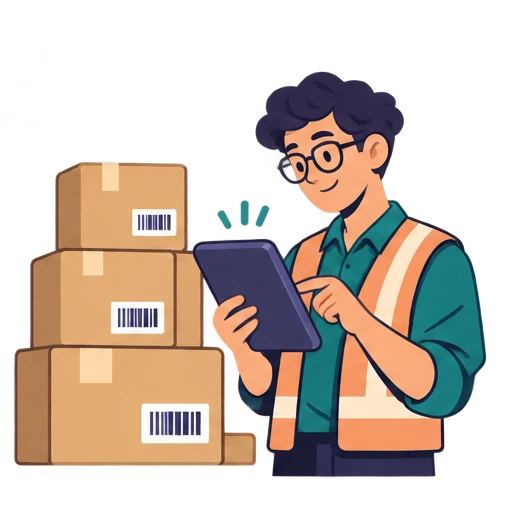
Track stock by batch, spot low stock and manage supplier purchases.بیچ کے مطابق اسٹاک دیکھیں، کم اسٹاک پہچانیں اور سپلائر سے خریداری سنبھالیں۔
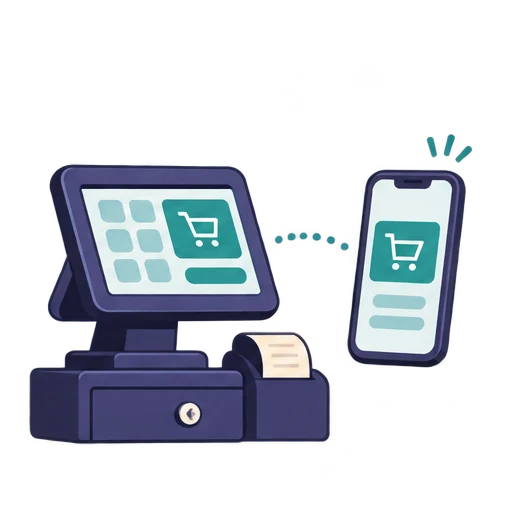
Connect PC Browser Till and the Android Companion to your Main PC over the local network.مقامی نیٹ ورک پر براؤزر ٹِل اور اینڈرائیڈ کمپینین کو مین پی سی سے جوڑیں۔
These workflows are available on Main PC, PC Browser Till and Android Second Till. Screen layouts and printer controls vary by device.
یہ سہولتیں مین پی سی، پی سی براؤزر ٹِل اور اینڈرائیڈ دوسری ٹِل پر دستیاب ہیں۔ اسکرین اور پرنٹنگ کنٹرول ڈیوائس کے مطابق ہیں۔
One app with six pairing modes. Scan the relevant module QR from Main PC. Each pairing is scoped to its selected mode or till.
Android also includes remembered pairings, continuous camera scanning with Camera Off, repeat-scan protection, password/PIN sign-in where required, Admin Approval by PIN or QR, and retry of a saved operation if PC confirmation is interrupted.
ایک ایپ میں چھ موڈز ہیں۔ مین پی سی سے متعلقہ کیو آر اسکین کریں۔ پیئرنگ منتخب موڈ یا ٹِل تک محدود ہے۔
پیئرنگ محفوظ رہتی ہے۔ کیمرا آن یا آف، مسلسل اسکین، دوبارہ اسکین سے بچاؤ، پاس ورڈ یا پن، پن یا کیو آر منظوری اور پی سی تصدیق رکنے پر محفوظ کارروائی دوبارہ کرنے کی سہولت۔
Use compatible devices for the mobile tools in your edition. Confirm your local network and device setup with our team.اپنے ایڈیشن کے موبائل ٹولز کے لیے موافق ڈیوائسز استعمال کریں۔ ہماری ٹیم سے مقامی نیٹ ورک اور ڈیوائس سیٹ اپ کی تصدیق کریں۔
Discuss your setupاپنے سیٹ اپ پر بات کریںLet’s find the right NoxPos edition for the way you work.آپ کے کام کے لیے مناسب NoxPos ایڈیشن منتخب کرتے ہیں۔